vrbld · visual rebuild
cut a picture apart and build it again.
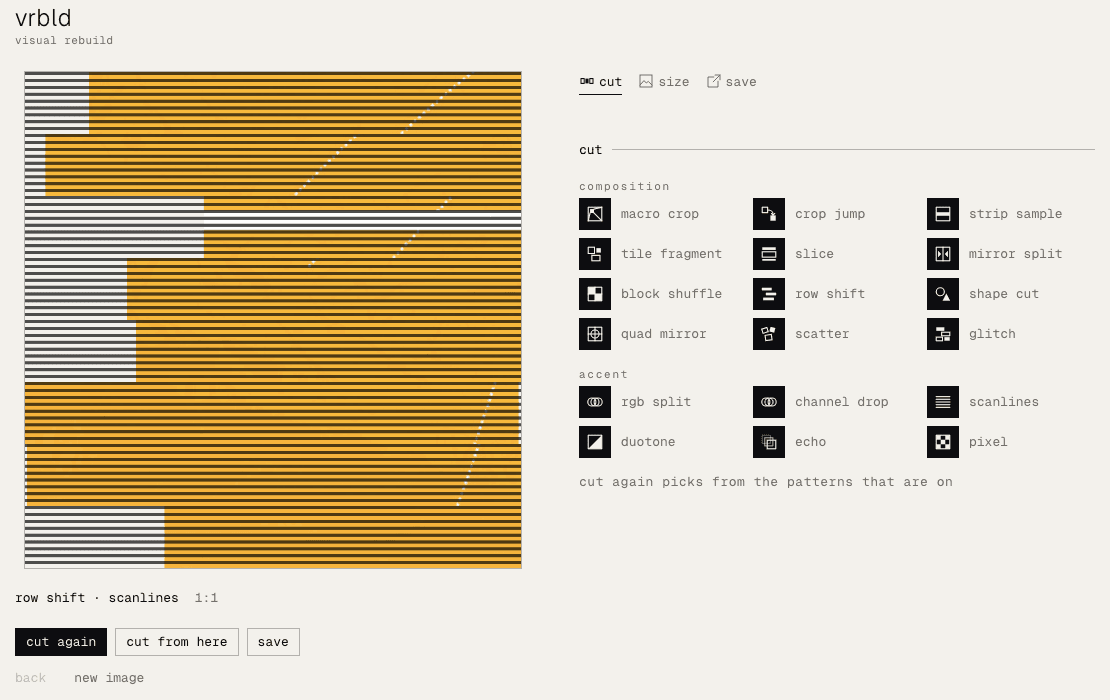
load one image. vrbld cuts it into pieces and puts them back together in a new order. press cut again until one fits, then save it. free, in your browser — on an iphone too.
free · no account · works on iphone too
what is vrbld?
vrbld comes from the way phrz cuts its visuals: a picture is cut into pieces and rebuilt, so each result is new but still made of the same image.
it is made for cover art and posts: a square for a single or a beat tape, a tall one for a story, a wide one for a header.
how it works
load an image.
choose one, or drop it on the page. jpeg, png and webp work.
cut it again.
cut again rebuilds the picture from the patterns you leave on. cut from here cuts the current result once more, on top of itself.
pick a size and a ground.
square (1:1, 1600 × 1600), portrait (9:16, 1080 × 1920) or landscape (16:9, 1920 × 1080). the ground is the colour that shows where a cut leaves the picture open: paper or white.
save it.
save jpeg writes the result to your device.
your image stays with you.
your image is not uploaded. loading it, cutting it, rebuilding it and saving it all happen in your browser.
questions
is vrbld free? yes. there is no account and no sign-in, and no limit on how often you use it.
does vrbld work on a phone? it is laid out for phones. on an iphone, safari can load a photo from your library, cut it and save the jpeg.
what sizes can i save? a jpeg in square (1:1, 1600 × 1600), portrait (9:16, 1080 × 1920) or landscape (16:9, 1920 × 1080).
how large an image can i open? up to 50 mb and 50 megapixels.
is my image uploaded? no. everything happens in your browser.