Notrbeta
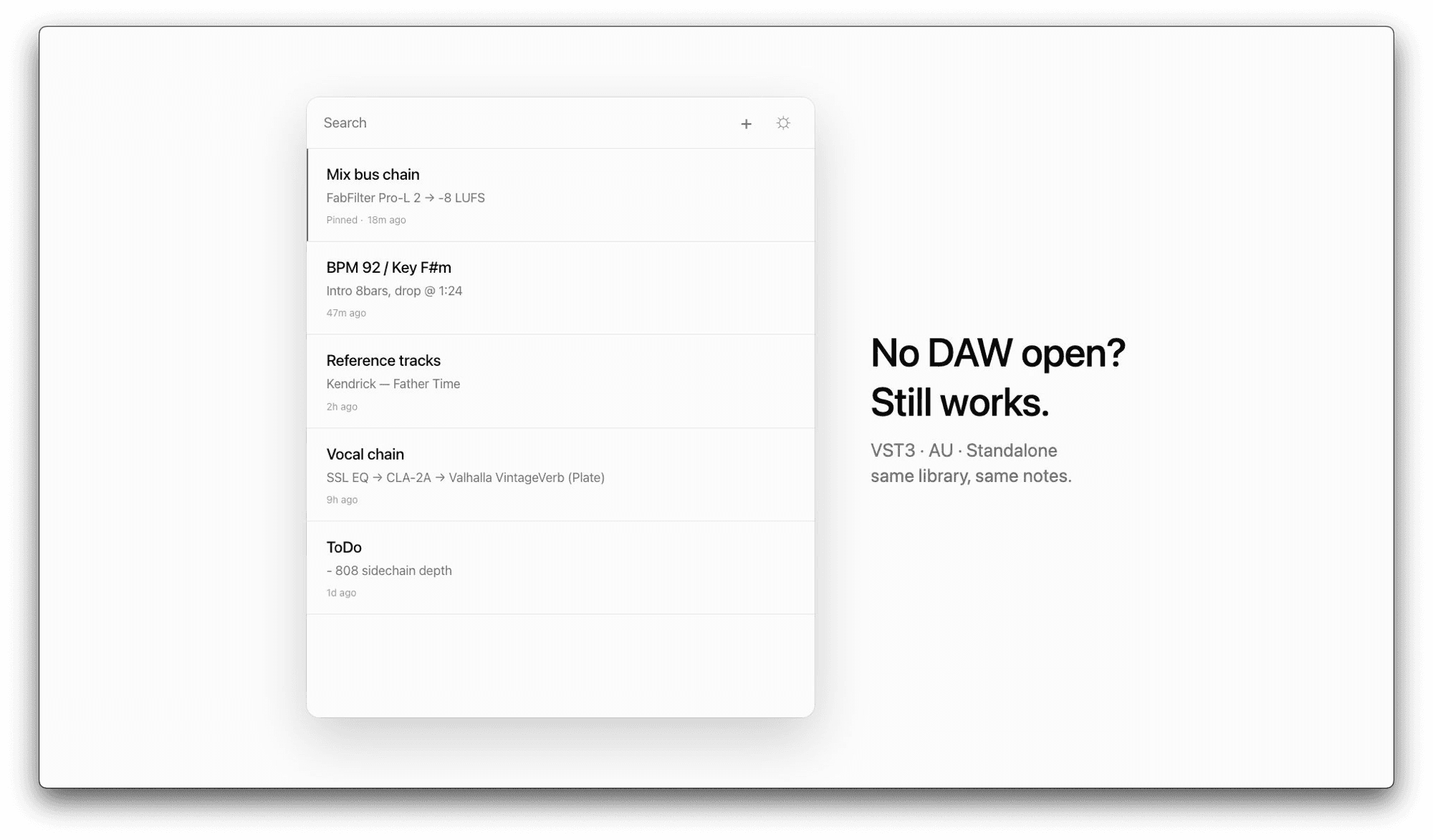
A notepad that follows your DAW.
$0free · macOS
VST3 · AU · StandaloneApple Silicon + Intelv0.1.2 beta
Notes that stay with the project.
Open your DAW, switch projects, or open the Standalone at a coffee shop. The same notes are there every time: mix todos, references, session recaps, and the next thing to do.
features
- in your daw
- Same library in every DAW that loads VST3. AU (Logic / GarageBand) is included as experimental.
- standalone
- Open the app without a DAW and write anywhere.
- find
- Full-text search with highlights, pinned notes, and undo for deletes.
- look
- Light and dark paper themes. Nothing else on the screen.
requirements
- os
- macOS 10.13 (High Sierra) or later
- chip
- Apple Silicon + Intel (Universal)
- formats
- VST3, Standalone (AU experimental)
- tested
- Ableton Live 12
- version
- 0.1.2 (beta)
Cubase, Studio One, Reaper, and FL Studio should work via VST3 but are untested. Reports welcome on GitHub or @_nok__.
install
Notr is a free beta. The installer is not notarized or signed with an Apple Developer ID yet, so macOS warns you the first time you open it. Here is how to get past it.
- Double-click the downloaded Notr-0.1.2.pkg. If macOS says it cannot be opened (or that it cannot verify the developer), close that message.
- Open System Settings > Privacy & Security, scroll down to the line about Notr and click Open Anyway. If macOS asks again, click Open and enter your password or use Touch ID. On macOS 15 and later, right-click > Open does not get past this warning, so use this way.
- Follow the installer. It installs for all users, so it asks for an administrator password.
- VST3: /Library/Audio/Plug-Ins/VST3/Notr.vst3
- AU (experimental): /Library/Audio/Plug-Ins/Components/Notr.component
- Standalone: /Applications/Notr.app
- Open your DAW again and load Notr.
- Ableton Live: in Settings > Plug-ins, turn on Use VST3 Plug-in System Folders and click Rescan.
- Logic Pro: the AU is experimental. If Notr does not show, open Logic Pro > Settings > Plug-in Manager, select Notr and click Reset & Rescan Selection.
Coming from 0.1.0 (the zip)? The installer removes the Notr.vst3 and Notr.component you put in ~/Library/Audio/Plug-Ins. A Notr.app you put somewhere other than Applications stays, so delete it yourself.
faq
- What is Notr?
- A free macOS notepad for keeping project notes, mix todos, references, and session ideas close to the music.
- Which DAWs does Notr work in?
- Any DAW that loads VST3 plugins should work. Notr has been tested on Ableton Live 12. The AU (Logic, GarageBand) is included as experimental.
- Why do I need to give my email?
- We send the download link to your email. It works for 7 days, and you can use it more than once. You'll also get news about new tools and music from nokbeats, and you can unsubscribe anytime.
- How do I get updates?
- Notr checks for a new version when it opens and shows a note when one is out.