short answer
Use a VST3 notepad when opening the DAW should also open the project memory. Notr keeps notes close to the sound, while the Standalone app keeps the same library available outside the DAW.
- Inside the DAW
- Project memory
- Same notes outside
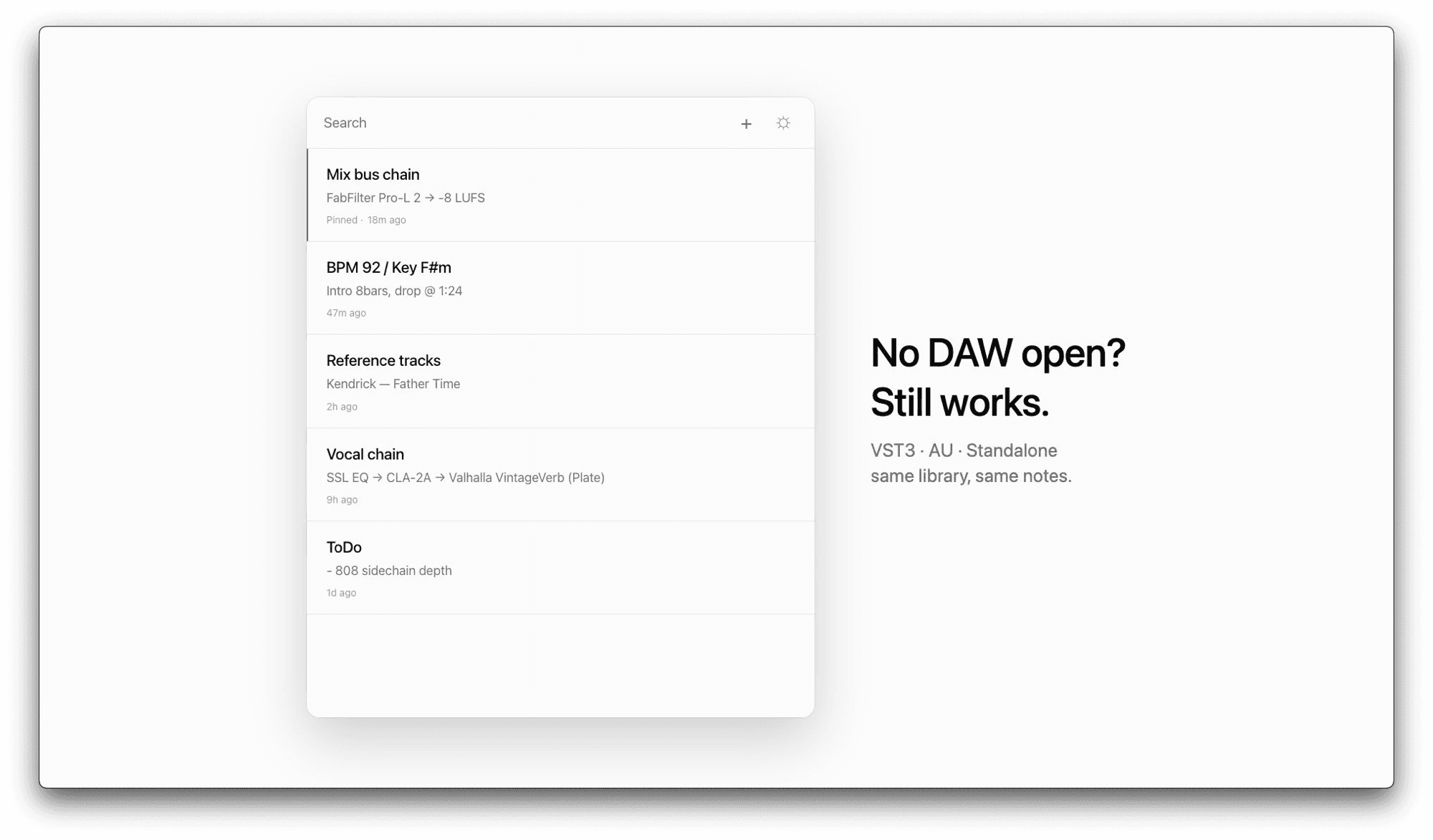
Notes drift when they live in a separate place. A text file can be useful, but it is easy to miss when the DAW session opens. A VST3 notepad keeps the note in the same environment as the sound.
The best use case is not long writing. It is short production memory: the reference track, the mix problem, the arrangement fix, the BPM/key reminder, and the next thing to test before adding more layers.
Notr runs as a VST3 plugin on macOS, with AU included experimentally and a Standalone app for notes outside the DAW. Ableton Live 12 is the verified host right now, and other VST3 hosts are the natural next compatibility path.
what to write in a daw notepad
Mix todo
One or two decisions that will improve the current bounce.
Reference
The track, playlist, or sound that explains the target feel.
Next action
The first thing to do when the project opens again.