short answer
Start every Ableton project note with the same five fields. The goal is not documentation. The goal is to make the next session easier to start.
- Mix todo
- Reference
- Next action
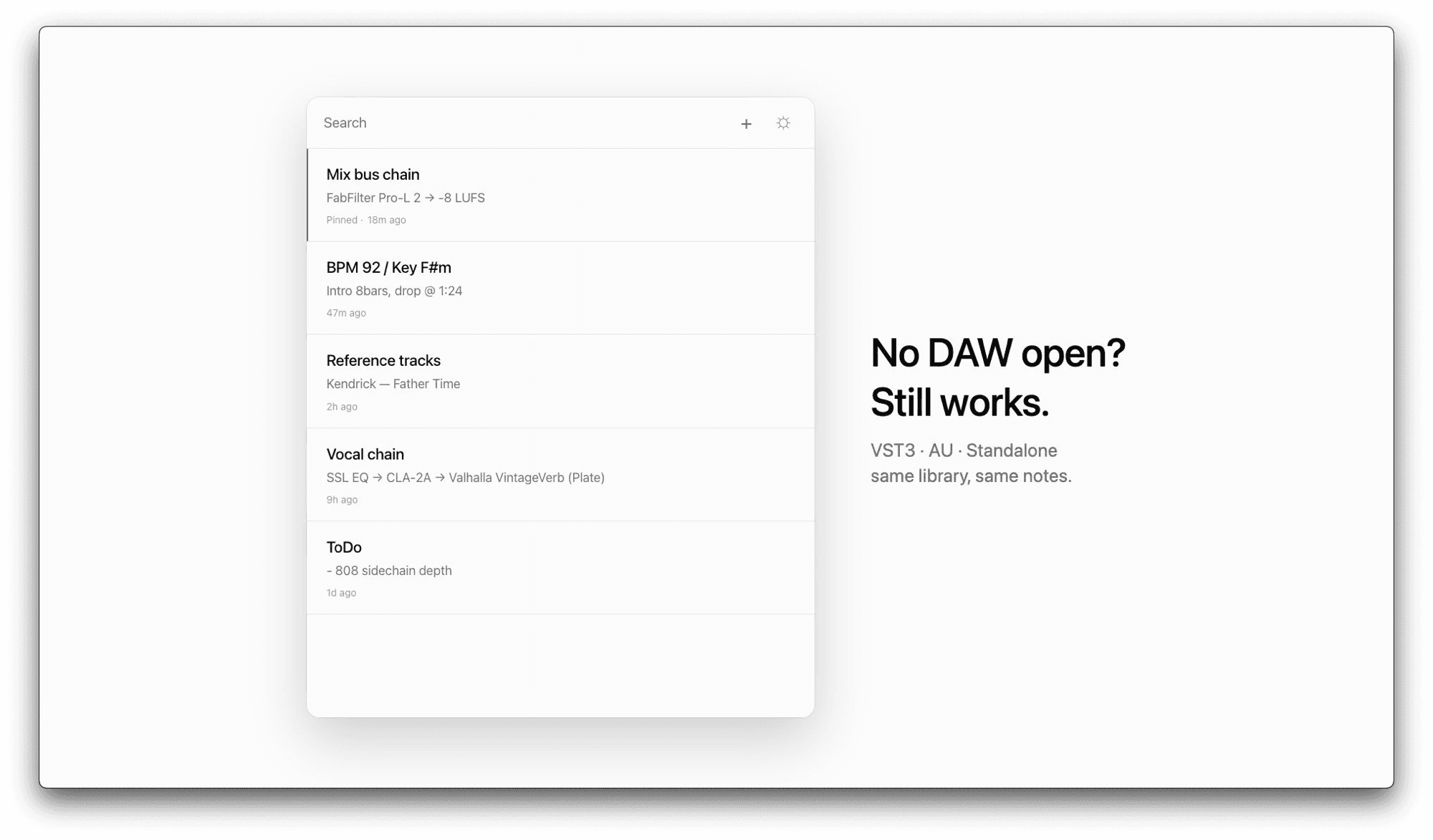
template
Mix todo
What is still wrong with the current bounce? Keep this short enough to act on in the first five minutes.
Reference
Name the track, playlist, texture, or rough target that explains what the session should move toward.
Arrangement fix
Write the section that needs attention: intro, drop, B part, transition, mute, or energy change.
Session recap
One sentence about what changed today, so the next version does not start from a blank memory.
Next action
The first move for the next session. This should be concrete: lower hats, try a new bass, print stems.
Ableton projects can be easy to reopen technically and hard to reopen mentally. The arrangement exists, but the reason behind the last move is gone. A short template gives the session a handhold.
I keep this structure deliberately plain because plain notes survive more sessions. Long systems turn into admin. A compact note can live inside Notr as a VST3 plugin while Ableton is open, then stay available in the Standalone app later.
If the project is stuck, the most important field is the next action. Write the first move clearly enough that future-you can do it before thinking too much.